


Suyu Emulator APK
Suyu Emu
- Version
- 0de49070e4-relWithDebInfo
- Size
- 43.4 MB
- Android
- 11+
- Category
- Emulator
Screenshots
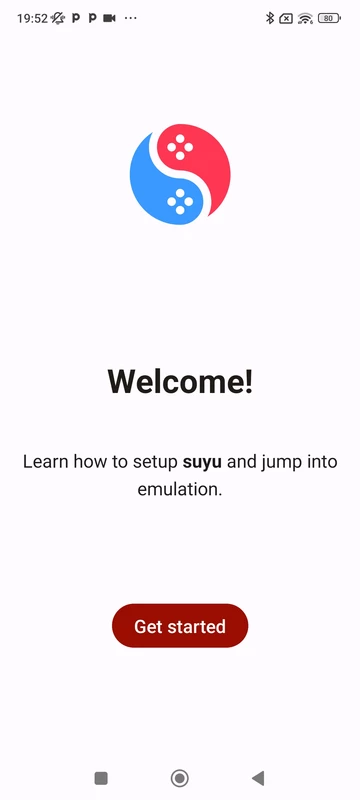
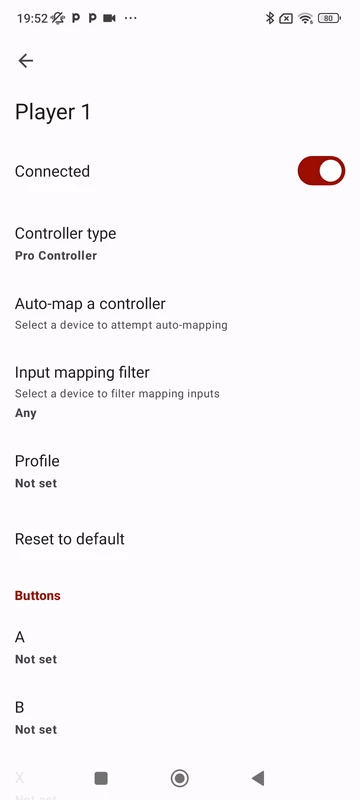
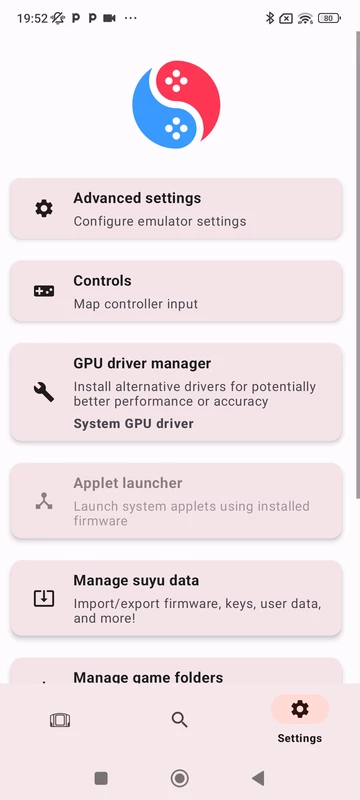
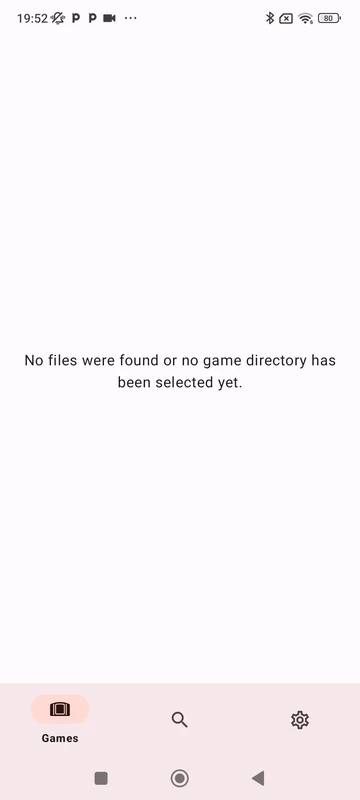
What's new
Version 0de49070e4-relWithDebInfo is the newest build on APKBlade, updated 9 July 2024.
Here is a cool way to play Nintendo Switch games on other devices! You can use the Suyu Emulator app.
Suyu lets you run Switch games on your Android phone or PC. It is an open-source program that anyone can use for free. Suyu is based on the popular Yuzu emulator for Switch games. The developers made Suyu to help people play Switch games in the future, not to make money.
What is a Suyu Emulator?
Suyu is software that mimics the Nintendo Switch console on other devices. This lets you play Switch games on phones, tablets, or computers. Suyu runs on both Android and Windows. The app is written in the programming language C++ for speed and portability.
The Free and Open Nature of Suyu
One amazing thing about Suyu is that it is not a nonprofit. The coders who created Suyu did it to preserve Switch gaming for everyone. They do not want to profit from their work. This spirit of sharing has made Suyu very popular with gamers. People love that Suyu gives free access to Switch games.
Suyu is an open-source program. This means that anyone can look at and use its code. They can also help make it better by fixing issues or adding new features. Many people work together to improve Suyu for everyone.
How to Get Suyu Emulator
You can find Suyu Emulator online easily. The official GitLab page has all the information and files to download it. There is another download link if you want to use a different source. Remember, using Suyu is legal, but downloading games you don’t own is against the law. Use Suyu responsibly.
Installing and Using Suyu Emulator
Installing the Suyu Emulator is simple. After downloading the files from official sources, follow the install guide. You can find guides on YouTube that show you how to set it up on your device.
Using Suyu is easy too. Once installed, you can load games you legally own for the Nintendo Switch and start playing. How well it works may depend on the game and your device. The developers keep updating Suyu to make it better.
Suyu Emulator on Android
Android users have a particular version of the Suyu Emulator. This lets you play Nintendo Switch games on your phone or tablet. Gamers who want to play on the find this exciting. You can get the latest Suyu for Android from app stores or the official website.
The Advantages of Suyu Emulator
Suyu Emulator has some great benefits that make it stand out. Here is a few:
- Works on both PC and Android for flexibility.
- Open-source, so it keeps improving thanks to the community.
- Helps preserve beloved games for the future as tech changes.
- Free, making gaming more accessible for everyone.
Surpassing Yuzu
Yuzu was revolutionary for Nintendo Switch emulation. But Suyu aims higher with even better performance and game compatibility. The developers built on what Yuzu achieved. They’re pushing emulation further.
Conclusion
The Suyu Emulator APK showcases the gaming community’s passion. It expands the Nintendo Switch experience. And it preserves those games for future enjoyment. Whether a veteran gamer or tech tinkerer, Suyu offers an exciting emulation journey.
Keep in mind to follow the rules for playing games. Support the people who made the games you like by buying them before using Suyu. Have fun gaming!
More About Suyu Emulator
| Name | Suyu Emulator |
|---|---|
| Package Name | dev.suyu.suyu_emu.relWithDebInfo |
| Category | Emulator |
| Version | 0de49070e4-relWithDebInfo |
| Size | 43.4 MB |
| Requires Android | 11 and up |
| Developer | Suyu Emu |
| Last Updated | 9 July 2024 |
How to Install Suyu Emulator
- Tap the download button and let the file finish.
- Open the file from your notifications or the Downloads folder.
- If Android asks, allow your browser to install unknown apps.
- Tap Install, then open the app.
FAQ'S
How to install Suyu Emulator on android phone?
Once you've downloaded the APK file, click on the downloaded file, then hit the "Install" button.
I am getting Play Protect warning while installing!
Some mod APK files might get a warning. You can ignore this warning and install the APK file. Follow these simple steps to turn off Play Protect: Open Google Play app > Click Profile Icon > Select Play Protect -> Setting > Turn off both "Scan apps with Play Protect" and "Improve harmful app detection" options.
How to update APK without losing the data?
To update APK without losing the data, you don't need to follow anything extra. Click on the downloaded APK file and click the "Install" button. The app will update automatically without loss of data.
How to fix problems while installing/opening?
Make sure you have downloaded the file correctly. The downloaded file extension must end with .apk file. If you face any package install error, redownloading the file may fix the issue.


















Ratings and reviews
There are no reviews yet. Be the first one to write one.